There is no universal winner
I build both WordPress sites and custom applications, so I have no reason to push one over the other. The right choice depends on what your website has to do, who will maintain it, and how you expect it to evolve over the next few years.
WordPress is an open-source content management system that powers a very large share of the web, with a huge ecosystem of themes and plugins. A custom website is built with code chosen for the project, for example a modern JavaScript framework and a dedicated back end. Both can be excellent, and both can be done badly.
When WordPress is the right fit
WordPress shines when content is at the centre: pages, articles, news, projects or simple product listings that your team updates regularly. Its editor is familiar to many people, which makes training easier, and many common needs such as forms, SEO metadata or multilingual content are covered by mature plugins.
It is also a pragmatic choice when the budget or timeline is tight and the features are standard. The key is discipline: a lean, well-coded theme, only the plugins you really need, and regular updates. Without that discipline, a WordPress site can become slow and fragile over time.
- Content-led websites, blogs and news sections
- Teams that need to edit pages without a developer
- Standard features covered by trusted plugins
- Projects that need to launch quickly
- Simple online stores using WooCommerce
When a custom build makes more sense
A custom build is worth it when your website behaves more like a product than a brochure. Think of complex search and filtering, calculators, client dashboards, booking logic, integrations with internal systems, or several user roles with different permissions. These are features where the experience itself is what you are selling.
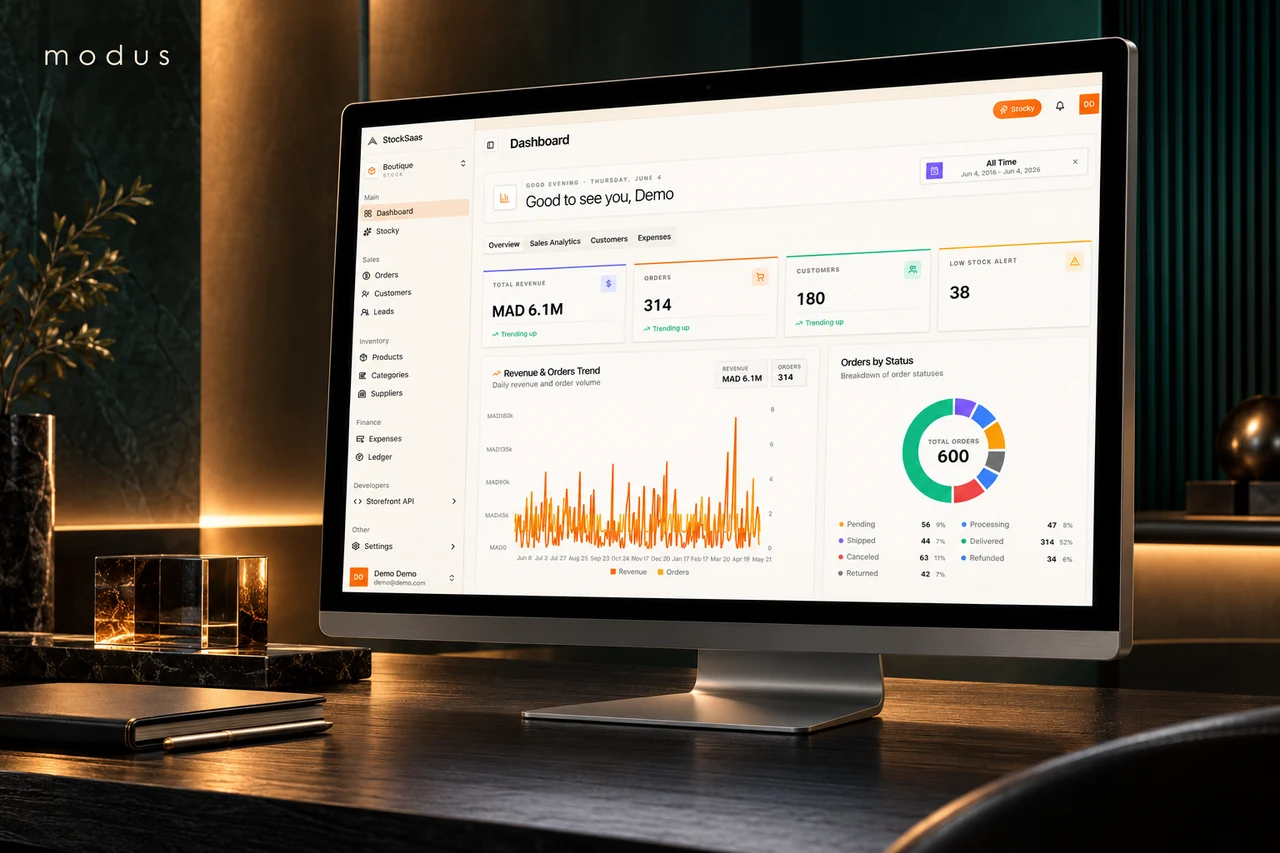
In those cases, stacking plugins quickly becomes fragile and slow. Writing the logic directly gives you control over performance, data and user experience. Modus, a multi-organization platform for stock, orders, finance and hospitality, could only be built this way: the workflows are specific, and the database has to protect bookings and data integrity.
- Application-like features and user accounts
- Specific business workflows or data models
- Integrations with internal tools or APIs
- High expectations for speed and interaction design
- Long-term product roadmap
The hybrid option: headless WordPress
You do not always have to choose. In a headless setup, WordPress is used only as the content back office, while the public website is a separate, custom front end that pulls content through an API. Editors keep a familiar interface; visitors get a fast, tailored experience.
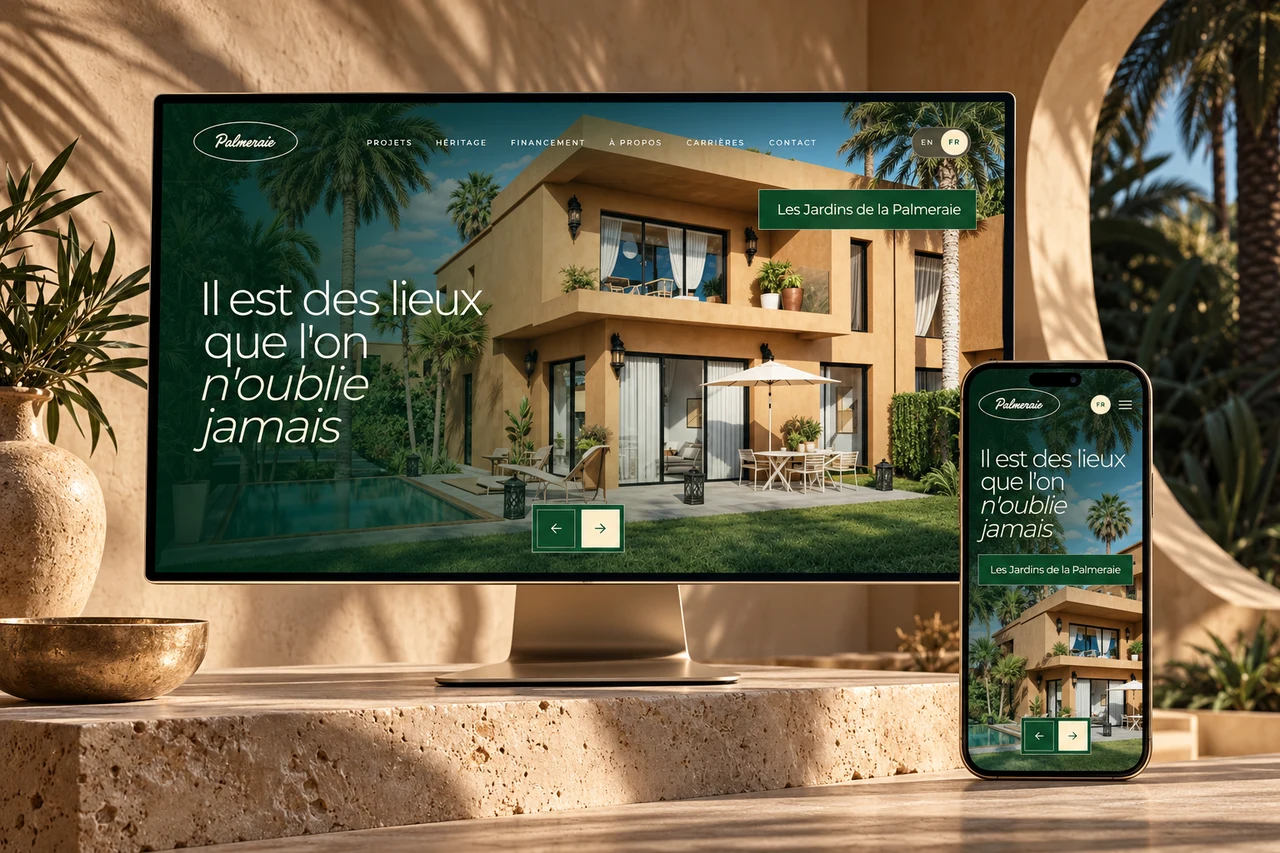
This is the approach I used for Palmeraie: a React front end for the immersive property catalogue and financing tools, with a tailored WordPress content studio so the team can manage projects and editorial content. The trade-off is more initial engineering and two systems to maintain, so it fits best when both content and experience really matter.
SEO, languages and editing in both approaches
Both approaches can rank well. Search engines care about useful content, clean structure, speed and correct metadata, not about the tool used to build the page. WordPress makes many SEO basics easy through plugins, while a custom or headless build lets you control every detail of the markup, structured data and loading performance.
For multilingual sites with Arabic, the real question is how each language is managed: separate URLs, translated metadata, hreflang annotations and a proper right-to-left layout. WordPress handles this with dedicated plugins; a custom build handles it in code. In both cases, decide early who will translate and update each language over time.
- Clean URLs for each language
- Translated titles and descriptions
- hreflang between language versions
- Right-to-left layout for Arabic
- A simple editing workflow for your team
Performance, security and maintenance
A WordPress site can be fast and secure, but it requires care. Every plugin adds code, and outdated plugins are a common entry point for attacks. Plan for regular updates, backups and good hosting. Heavy page builders can also slow down a site, especially on mobile.
A custom site has a smaller attack surface when built well, and performance can be tuned precisely. On the other hand, you depend more on the developer or a team that knows the codebase, so documentation and clean code are essential. In both cases, maintenance is not optional.
Cost over time, not just at launch
WordPress usually costs less to start when the features are standard. Custom builds take more time upfront. But the comparison changes over time: a WordPress site that relies on many premium plugins and constant workarounds can become expensive to maintain, while a custom site with a clear structure can evolve cleanly.
Ask yourself how often you will add new features, how much content you will publish, and how critical the site is to your revenue. Those answers tell you more than the launch price. A site that drives most of your enquiries deserves a foundation built to last.
A simple way to decide
If you are unsure, start by listing what visitors and your team need to do on the site. If the list is mostly about reading and publishing content, WordPress is likely enough. If it includes logic, calculations, accounts or integrations at the heart of your business, look at a custom or headless build.
Whatever you choose, insist on owning your domain, hosting and code, and on a setup that someone else could take over if needed. Ask for basic documentation and make sure your team knows how to update content. That independence is worth more than any single technology choice.
- Mostly content and simple features: WordPress
- Specific workflows or app-like features: custom
- Rich content and a tailored experience: headless
- Unsure: start lean and plan a clear upgrade path
FAQ
Is WordPress secure enough for a business website?+
Yes, when it is maintained properly. Keep the core, theme and plugins updated, use only trusted plugins, enforce strong passwords, and choose reliable hosting with backups. Most problems come from neglected updates rather than from WordPress itself.
Can I move from WordPress to a custom website later?+
Yes. Content can be exported or kept in WordPress and used through its API in a headless setup. Planning clean URLs and redirects is important so you keep the search visibility you have built.
Will a custom website be harder for my team to update?+
Not necessarily. A custom site can include a simple admin panel or connect to a content management system, including headless WordPress. The important part is to plan who edits what during the design phase.
Which option is better for SEO?+
Neither guarantees better rankings on its own. What matters is content quality, structure, speed, correct metadata and how well the site serves visitors. Both WordPress and a custom build can meet those requirements when they are built and maintained carefully.